Join now

Learn To Edit Like a Pro
and Create Videos You Are Proud Of

Learn To Edit Like a Pro
and Create Videos You Are Proud Of

Learn To Edit Like a Pro
and Create Videos You Are Proud Of

Join Now

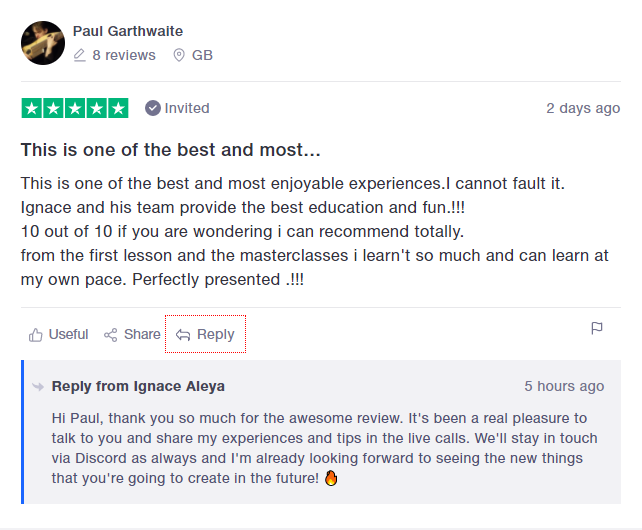
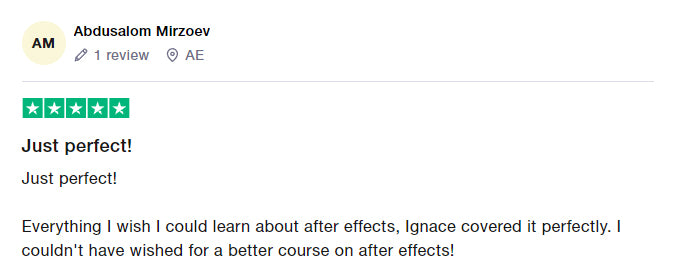
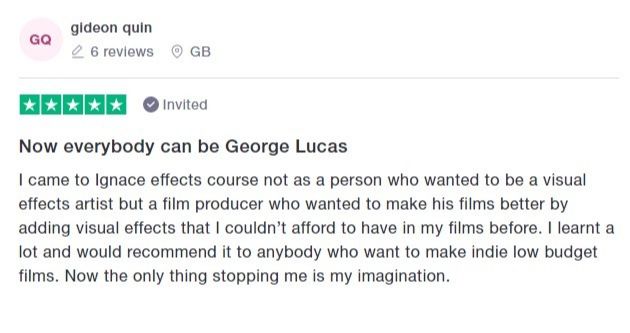
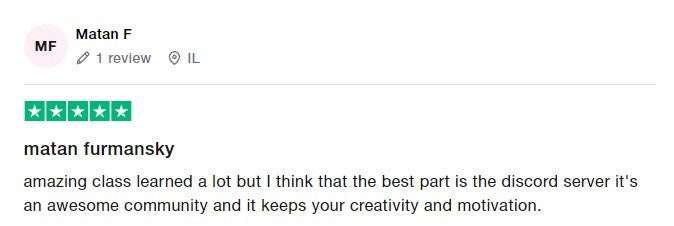
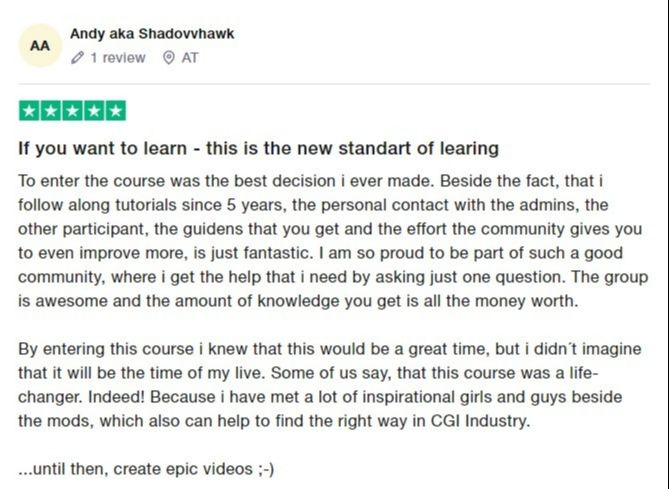
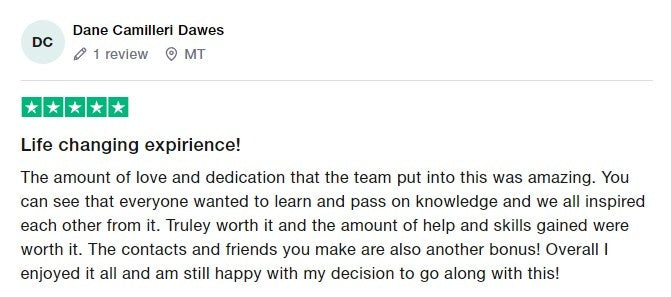
Trusted by hundreds of creatives

brands i have worked with

follow a step-by-step roadmap
instead of watching random tutorials

start every project with clarity

know exactly what to do next

finish your projects and build a portfolio

random tutorials

One-off effects with no context

No clear path or structure

Easily get stuck or frustrated

Takes 10x longer to learn

Easy to lose motivation and give up

You are on your own

our method

Real skills that build on each other

Step-by-step roadmap to improve fast

Learn with support & simple explanations

Learn fast with a proven system

Stay inspired with real progress and results

You get help, every step of the way

what you will learn
inside the university

module 1: editing foundations
Set up your editing workflow the right way, so you save time, avoid confusion, and build strong habits from day one.

Organize your footage with pro folder structures.

Understand file types, settings, and how to start your project the right way.

Speed up your workflow with proxies and custom layouts.

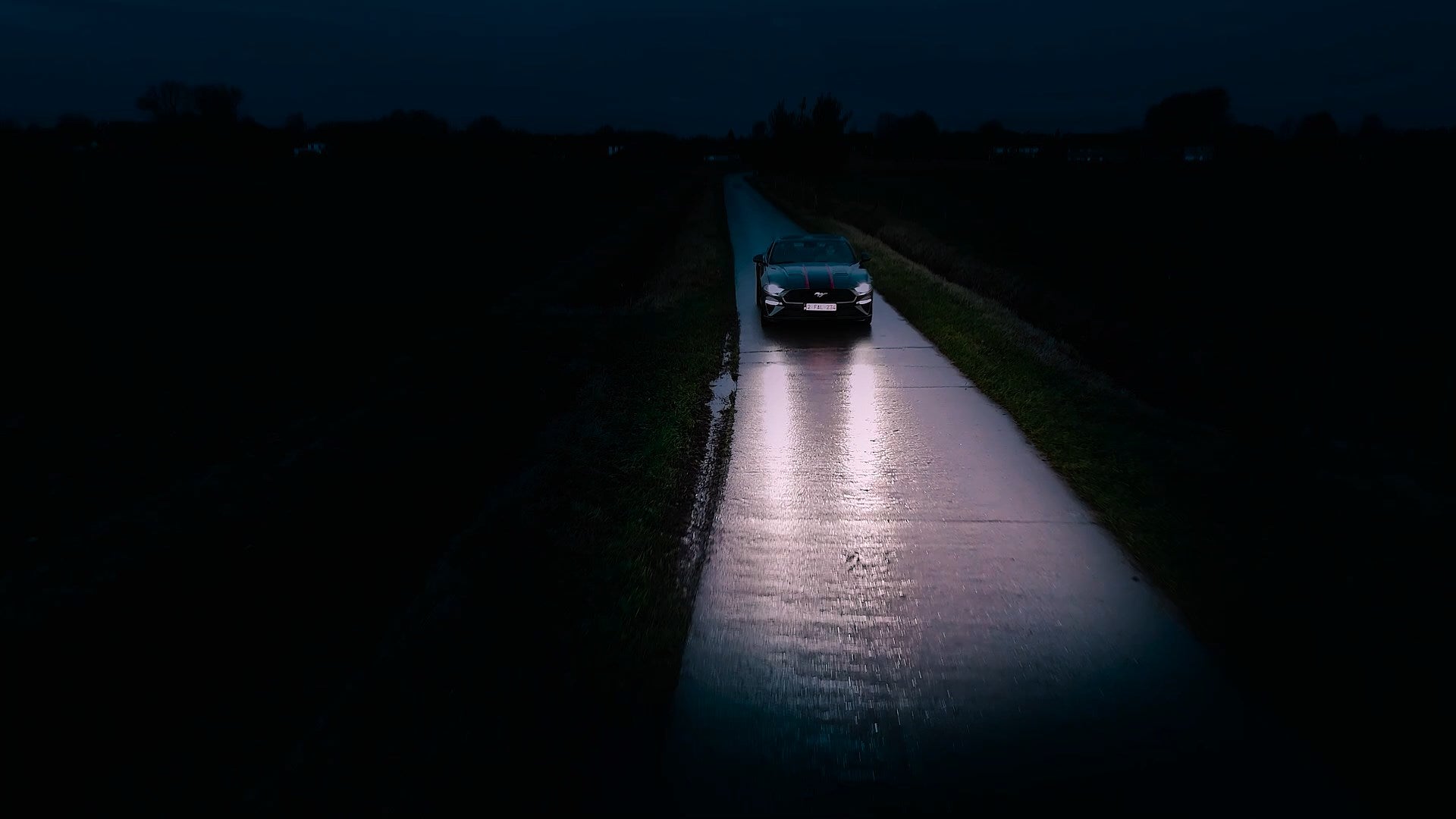
Practice your skills and complete your first full project: a cinematic car promo.

Add your effects, transitions, color grading, and sound design.

And more...

Epic Car Project from Module 1

A Sneak Peek Inside Module 1
(26 lessons in total)

module 2: advanced editing mastery
Take your editing skills to the next level with epic effects and real-world projects that make your videos look cinematic, creative, and truly next level.

Learn how to use After Effects from start to finish, step by step.

Add epic effects like holograms, eye tracking, rotoscoping, 3D camera tracking and motion blur.

Create viral-style edits, cinematic scenes, and Hollywood-level visuals.

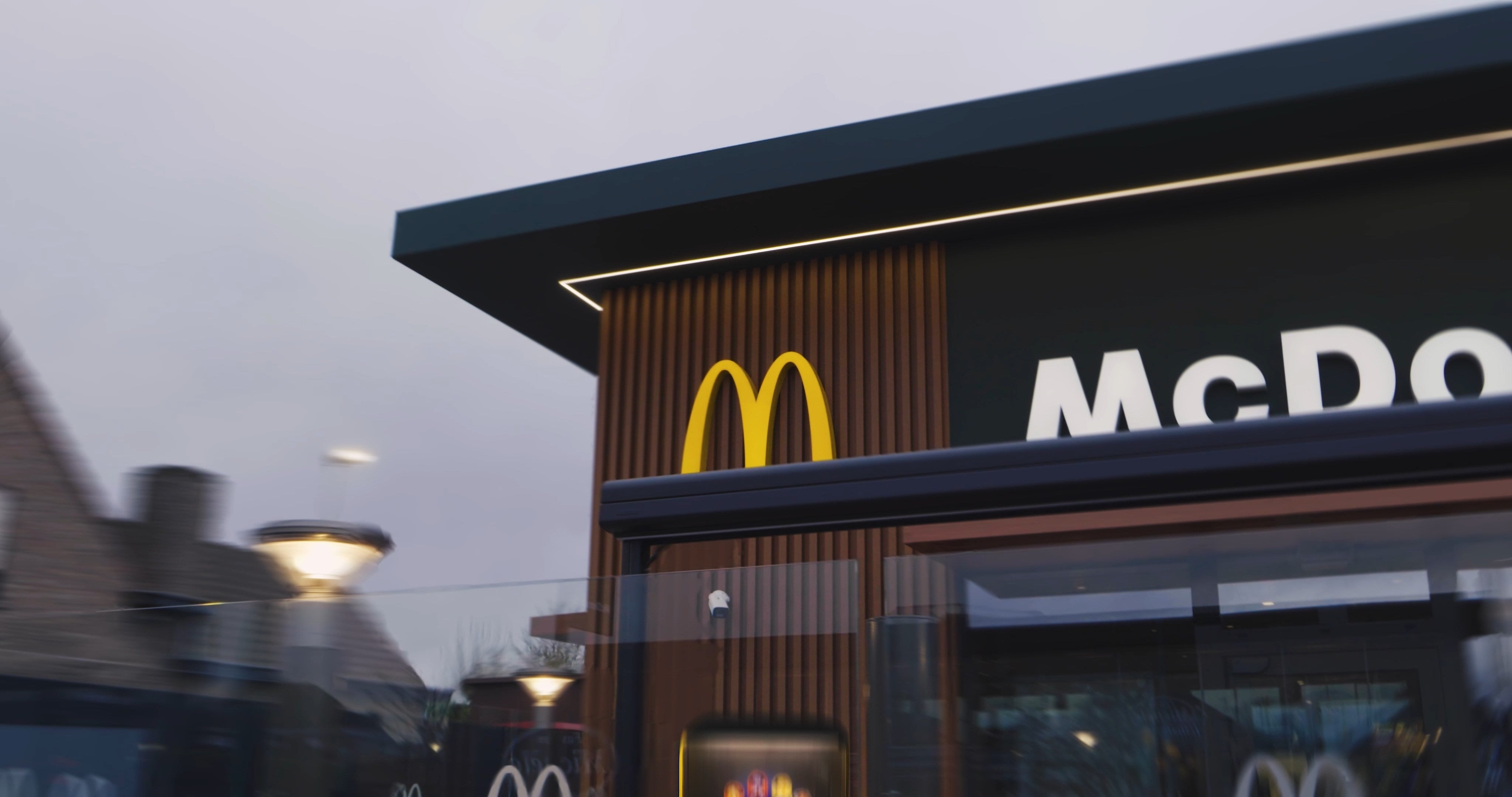
Create and learn from real-life projects like a McDonald’s viral ad from start to finish.

Add strong transitions like zooms, slams, and smooth motion changes.

Use special tricks like fake motion blur and color grading to make everything look better.

Add music and sound effects to make your videos feel alive and professional.

Learn how to fix mistakes fast with tools like warp stabilization and masking.

And much, much more...

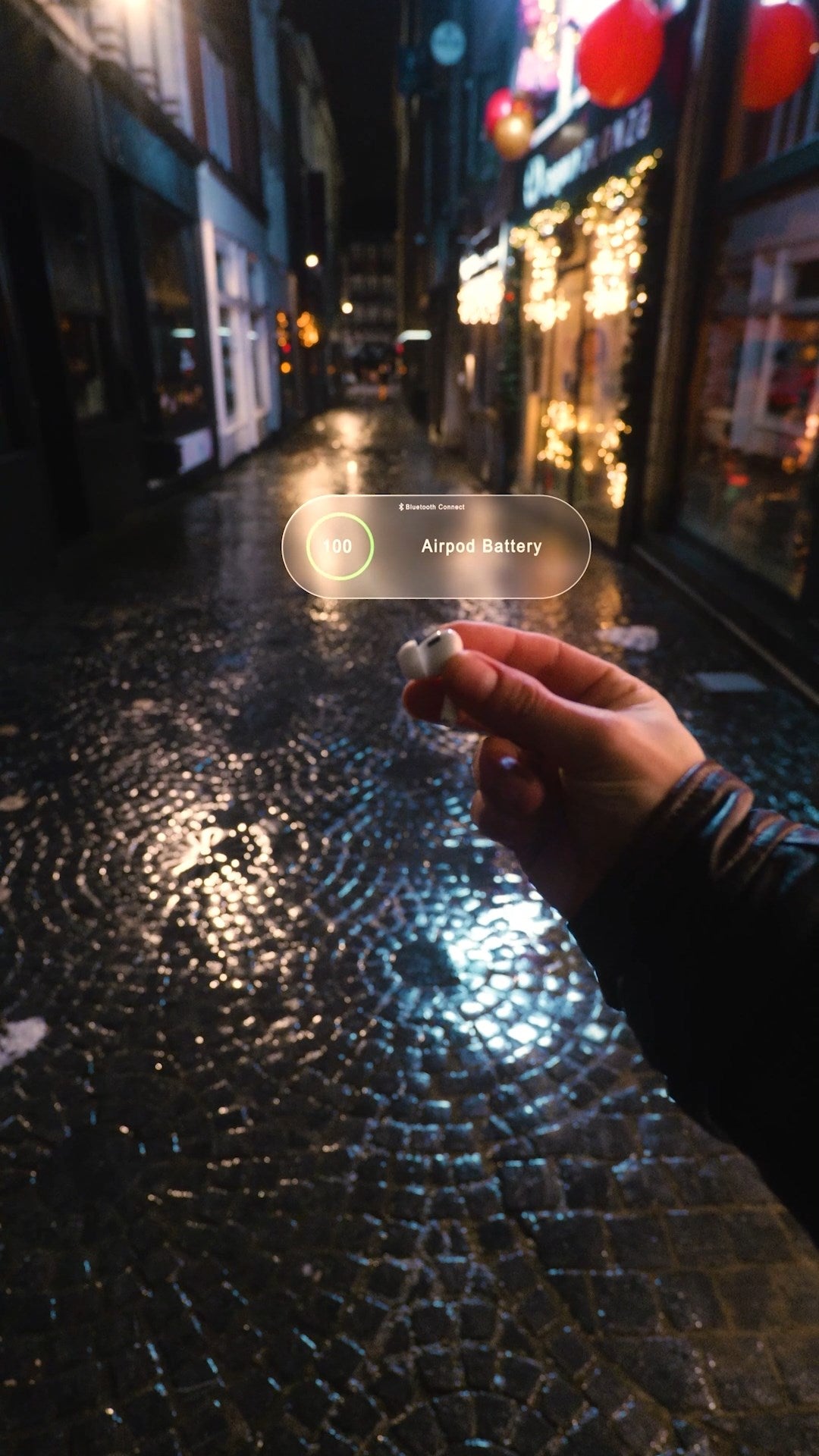
Some of the projects Inside Module 2
(94 lessons in total)

Mc Donalds viral edit from Module 2

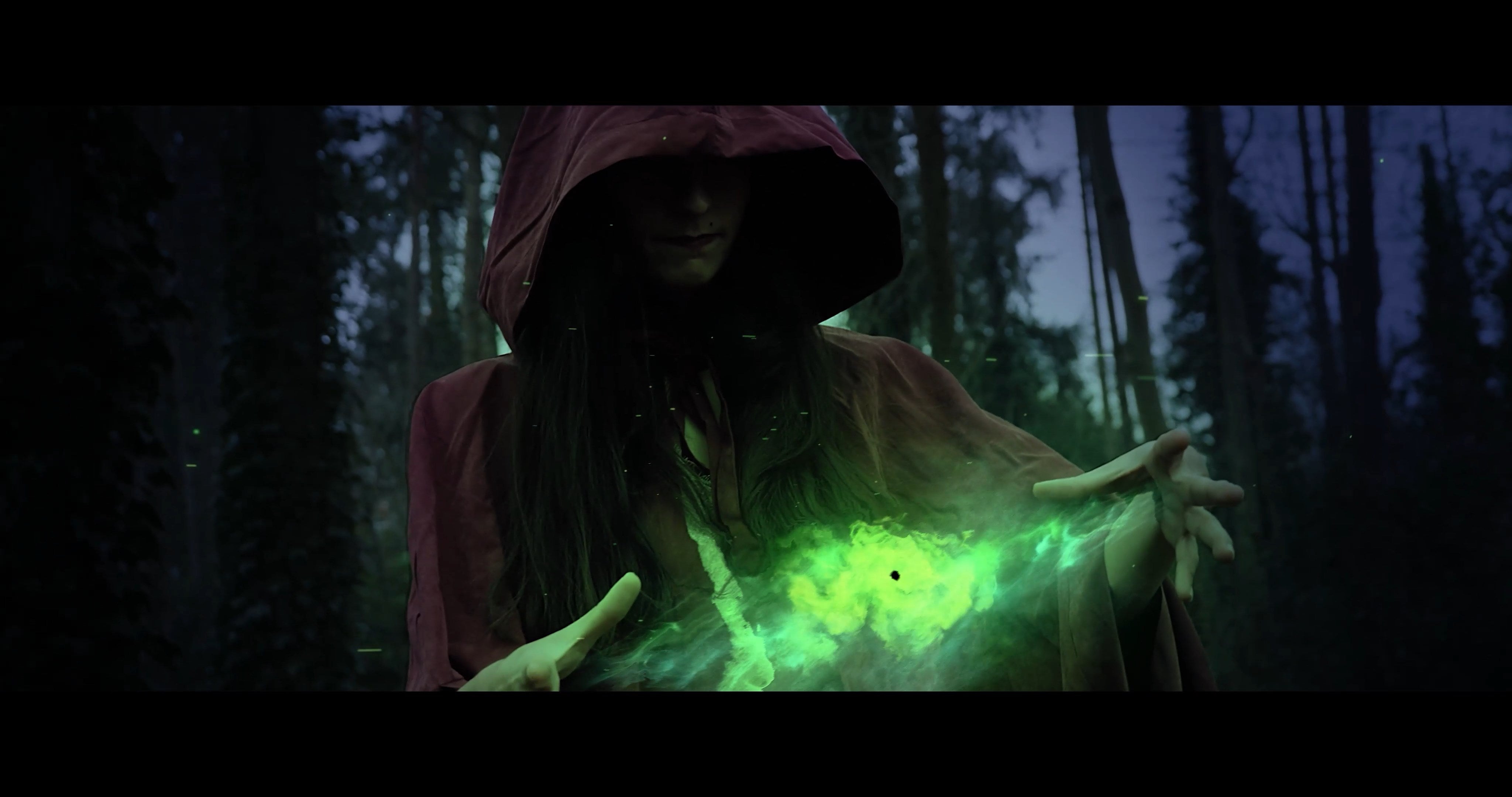
Mysterious magical forest from Module 2

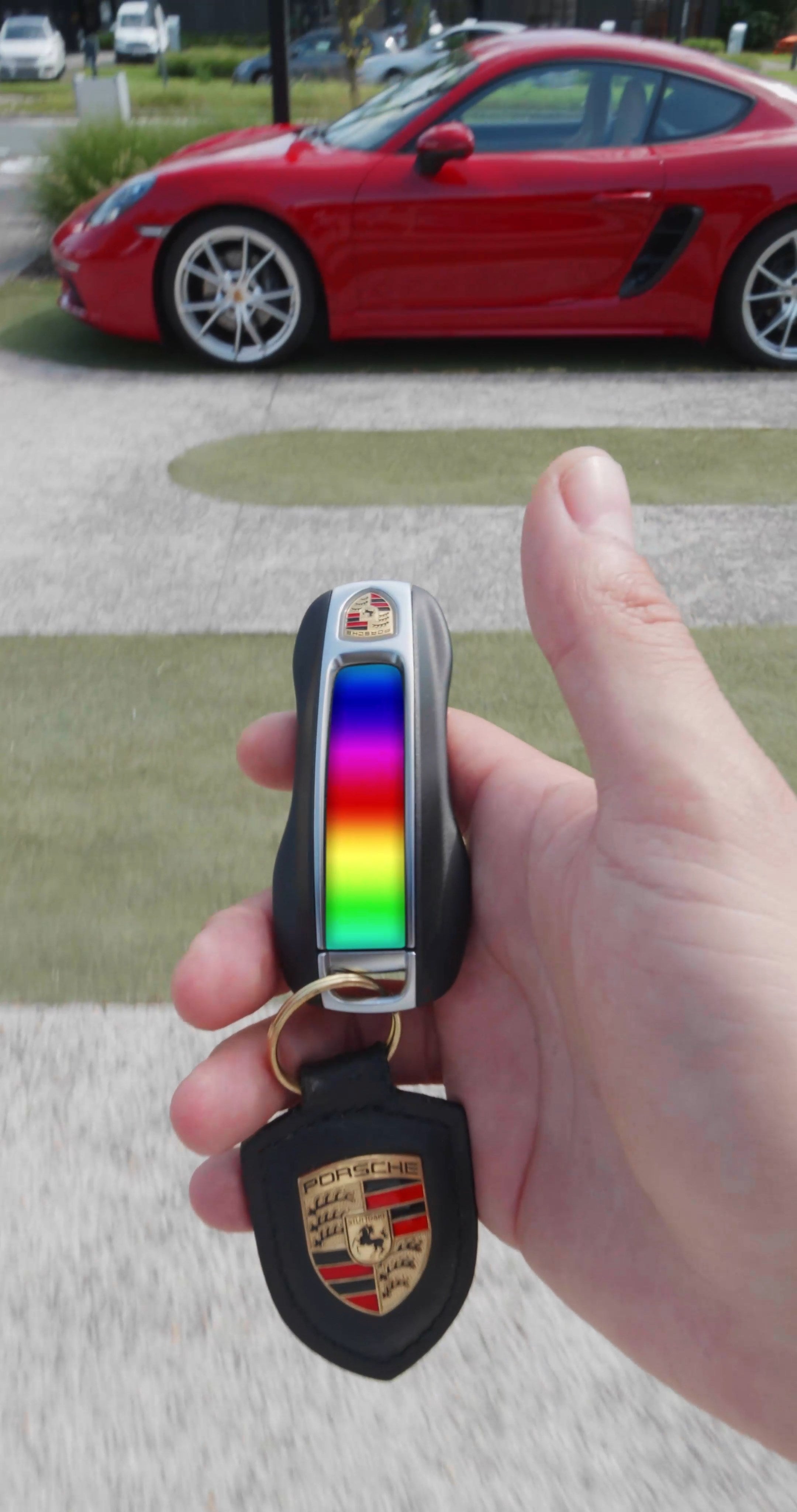
Car color change from Module 2

Hologram city from Module 2

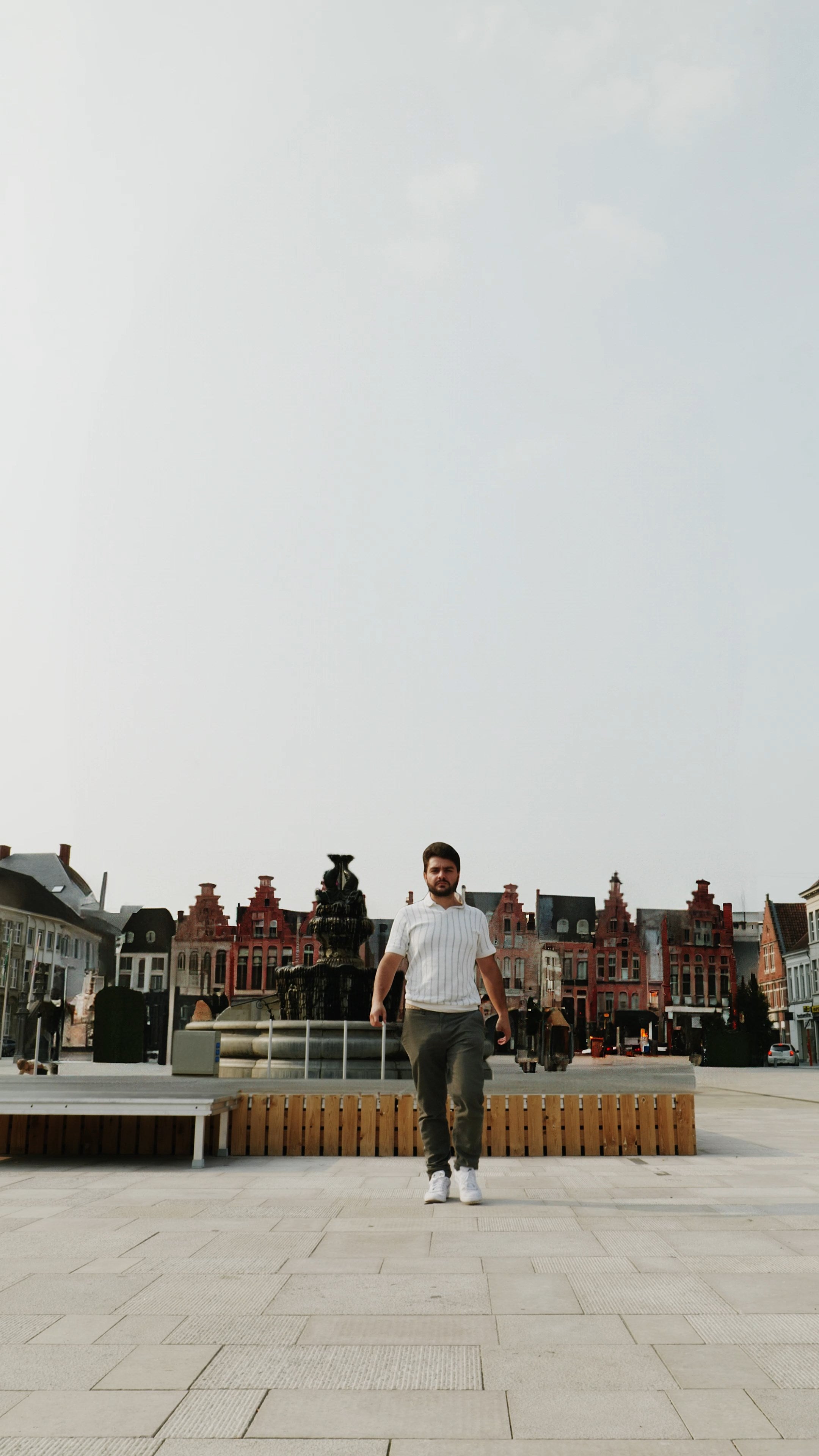
City hall pop-up from Module 2

one time payment, no ongoing subscription

One Time Payment

Payment of:

$597

  • Lifetime Membership

  • Full access to the entire course

  • Awesome Private community

  • Lifetime access & updates

  • Answers to all your questions

  • Free downloads, templates & more

  • Certificate at completion

  • And $1000+ in bonuses

Join Now

30-Day money-back guarantee

Payment Plan

3 Montly Payments Of:

$217

  • Lifetime Membership

  • Full access to the entire course

  • Awesome Private community

  • Lifetime access & updates

  • Answers to all your questions

  • Free downloads, templates & more

  • Certificate at completion

  • And $1000+ in bonuses

Join Now

30-Day money-back guarantee

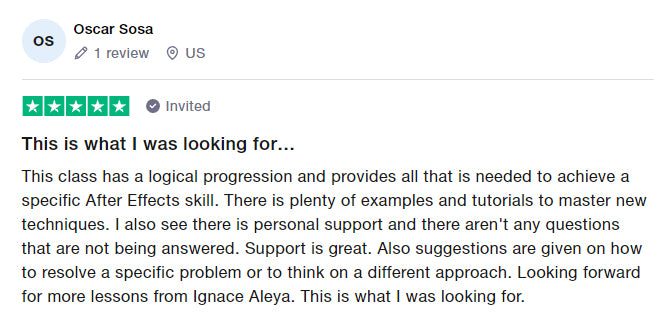
Student Reviews & Testimonials
Frequently asked questions

Title

Who is the Next-level editing University for?

The university is right for you if...

- You want to create awesome videos you can be proud of

- You want to learn a new skill that you can use for life

- You want to connect with like-minded creatives from all around the world

How does the 30-day Money-Back Guarantee work?

You can try the university for 30 days, 100% risk-free.


I am very confident that you will love this. But if you are not completely satisfied for any reason, you get your money back.


Just send a quick email to hello@filmbro.com and we will give you a full refund. No complicated forms or hidden conditions.

Can I be a beginner, or do I need to have some experience?

You don't need any experience to join.
The University is made in different levels, so you can join whether you are a beginner or you already have experience.

What Specs does my Computer need to have?

You don't need a super fancy computer, if your computer is less than 5 years old, you should be fine.


If you join the University and notice that you can't follow the lessons because your computer is not good enough, we will give you a full refund. That way, you can try it out risk-free, to see if it's right for you.

Which tools do I need?

You need your computer and the software Premiere Pro & After Effects.
Our students get a 60% discount on the Premiere Pro & After Effects subscription.
 

Both these softwares are also available in the Creative Cloud Bundle from Adobe (which includes Photoshop too).

Will the University stay up-to-date?

Yes, we add new videos to the University every month. So you always have your hands on the newest trends and training videos, to improve your skills and create awesome videos.

What if I need help?

The team and I are here to help you, every step of the way. We do email and chat support and have live-calls to help you when you get stuck or you need help.


We also have an awesome community of like-minded creatives who are ready to help you too. Whether it's with a problem or to work together on a project.

Have another question?

Didn't find the answer to what you are looking for, or you just want to reach out?
 

Send an Email Hi@Filmbro.com and I'll answer personally :)

Are you ready?

Edit like a professional and create videos you are proud of

I am ready

Trusted by hundreds of creatives

Join now